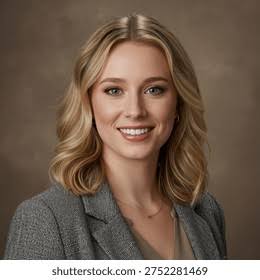
Sofia Marin
Project Manager
- [email protected]
- +1 512 555 0176
- Austin, United States
- portfolio.example.com
Summary
Project manager with seven years of experience delivering software and operations projects. Keeps plans, budgets and people in step, and says early when something is at risk.
Experience
Project ManagerLantern Ridge SoftwareAustin
Jan 2021 – Present
- Delivered nine client projects on time, the largest with a budget of $1.4 million.
- Brought in two-week planning cycles that cut missed deadlines by 40%.
- Ran weekly risk reviews with engineering, design and the client.
Project CoordinatorBluebonnet FreightDallas
Feb 2018 – Dec 2020
- Coordinated the rollout of a warehouse system across six sites.
- Kept the schedules, budgets and status reports for 12 projects at a time.
- Trained 30 colleagues to use the new tracking tool.
Education
BBA Business AdministrationUniversity of Texas at AustinAustin
2013 – 2017
Skills
- Project planning
- Agile delivery
- Risk management
- Budgeting
- Client communication
- Process improvement
Languages
- SpanishNative
- EnglishProficient (C2)
- PortugueseIntermediate (B1)
Certifications
- Agile Project Management — Online course, 2020
Horizon
Your name centered in a deep color band
- ATS-friendly
- One column